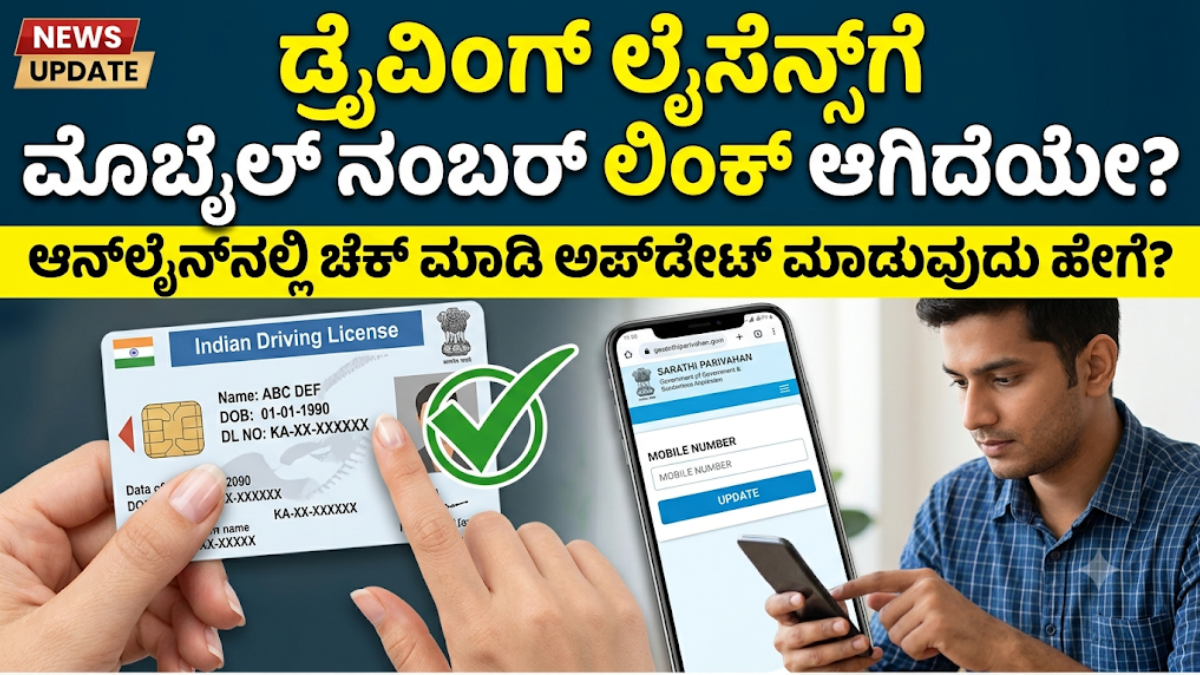
Keeping the mobile number associated with your Driving Licence records updated can make it easier to use online transport services in India. If you have recently changed your phone number or are unsure whether your current number is recorded with your Driving Licence, you can check the available services through the official Sarathi Parivahan portal.
The online facility allows eligible users to update their contact number by providing the required Driving Licence information and completing the verification process.
How to Check Driving Licence Mobile Number Online
The Sarathi Parivahan portal provides several Driving Licence-related services. The options available may differ depending on your state and the information stored in the transport department’s records.
To check the relevant mobile-number service, follow these general steps:
- Open the official Sarathi Parivahan website.
- Select the state where your Driving Licence-related service is registered.
- Look for the Others or similar service section.
- Select Mobile Number Update, if the option is available.
- Enter the Driving Licence details requested on the page.
- Provide your current mobile number.
- Complete the required verification or OTP process.
- Submit the request and follow the instructions displayed by the portal.
The portal may not display your complete mobile number as a security measure. Therefore, the available service may primarily allow you to verify or update the contact information rather than simply showing the registered number.
How to Update Mobile Number in Driving Licence
If you have changed your phone number, you can use the Mobile Number Update facility available through Sarathi Parivahan, where supported.
Generally, you need to select your state, enter your Driving Licence details and provide the new mobile number. The system may ask you to complete an OTP or another verification procedure before accepting the request.
Before submitting the information, carefully check your licence number, date of birth and other details. Incorrect information can prevent the request from being processed successfully.
Can You Change the DL Mobile Number Online?
Yes, an online mobile-number update facility is available through Sarathi Parivahan for Driving Licence services. However, the exact procedure and availability can depend on the state and the records maintained by the relevant transport authority.
If the Mobile Number Update option is unavailable or the portal displays an error, you may need to contact the concerned Regional Transport Office (RTO) or state Transport Department for assistance.
What If Your Old Mobile Number Is Not Active?
Losing access to your previous mobile number can sometimes make online verification difficult. If this happens, first check whether the Sarathi portal allows you to update your number using the available verification method.
If you cannot complete the online process, contact the concerned RTO or Transport Department and ask about the procedure for changing your registered contact details.
Why Should You Keep Your Mobile Number Updated?
A current mobile number can be useful when accessing online Driving Licence services that require mobile-based verification or communication.
Updating your contact details also helps ensure that you can complete future online procedures without unnecessary difficulty. If you have permanently stopped using the number previously associated with your licence records, checking the available update facility is advisable.
Use Only Official Government Websites
Driving Licence information is sensitive, so use official government portals whenever you need to access or update your records.
The Sarathi Parivahan portal is used for various Driving Licence-related services. Avoid websites that ask you to provide your licence number, date of birth, mobile number, OTP or other personal information without a legitimate government connection.
Never share an OTP with another person, even if they claim to be helping you complete the process.
Important Points Before Updating Your Number
Before starting the process, keep your Driving Licence information available and make sure:
- Your Driving Licence number is entered correctly.
- Your date of birth matches the official record.
- You enter your new mobile number carefully.
- You complete any OTP or verification requested by the official portal.
- You do not disclose OTPs to anyone.
- You use the official Sarathi Parivahan website.
- You contact your RTO if the online facility is unavailable or unsuccessful.
Frequently Asked Questions
How can I check whether my mobile number is linked to my Driving Licence?
Visit the official Sarathi Parivahan portal, select your state and check the Driving Licence services available to you. The Mobile Number Update option may be available under the relevant services menu.
How do I update my mobile number on my Driving Licence?
Use the Mobile Number Update service on Sarathi Parivahan, enter the requested Driving Licence information, provide your current number and complete the verification process.
Is mobile number updating available online?
Yes, an online facility is available for eligible Driving Licence records. Availability and the exact procedure may vary by state.
Can I update my number if my old SIM is lost?
You can first check whether the online update facility allows you to complete the process without access to the old number. If verification cannot be completed, contact your concerned RTO or Transport Department.
Is Sarathi Parivahan an official government portal?
Yes. Sarathi Parivahan is the government platform used for a range of Driving Licence-related services in India.
Conclusion
If you are uncertain about the mobile number associated with your Driving Licence, you can check the services available through the official Sarathi Parivahan portal. If your number has changed, use the Mobile Number Update facility when it is available for your licence and state.
Always verify that you are using the official government website before entering personal information. Keep your Driving Licence details accurate, and never share an OTP or other confidential information with unknown individuals.